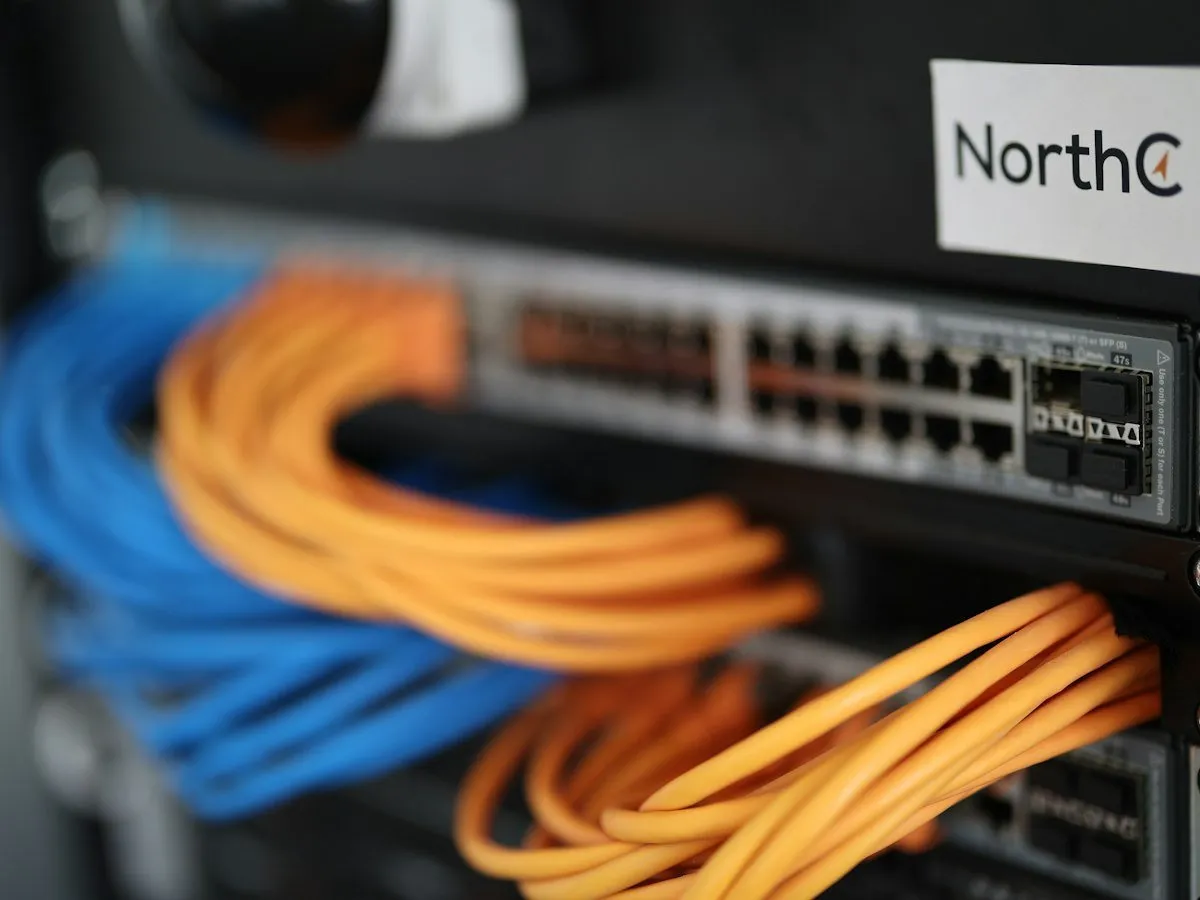
FXS analog to IP gateway · Indore
FXS Gateway (Analog to IP Converter) in Indore
Tele IT Solutions, an ISO 9001:2015 certified and MSME registered company based in Indore, supplies and installs FXS gateways across Indore, Madhya Pradesh and Chhattisgarh. Keep your analog phones, fax machines and old extensions, and run them on SIP and IP, with testing and AMC.
Analog phones
Fax
Lift/alarm lines
SIP

ISO 9001:2015 certified
Quality-managed delivery
MSME registered
Registered Indian business
Indore based
Local engineers near you
MP and CG coverage
Serving both states
Start here
Keep Your Old Phones, Move to IP: What an FXS Gateway Does
One small box lets analog phones, fax and old extensions work on a modern IP network.
What is an FXS gateway?
An FXS gateway has analog phone ports (FXS means Foreign eXchange Subscriber). It connects analog phones, fax machines and EPABX extensions to a SIP or IP network.
Why not replace every phone?
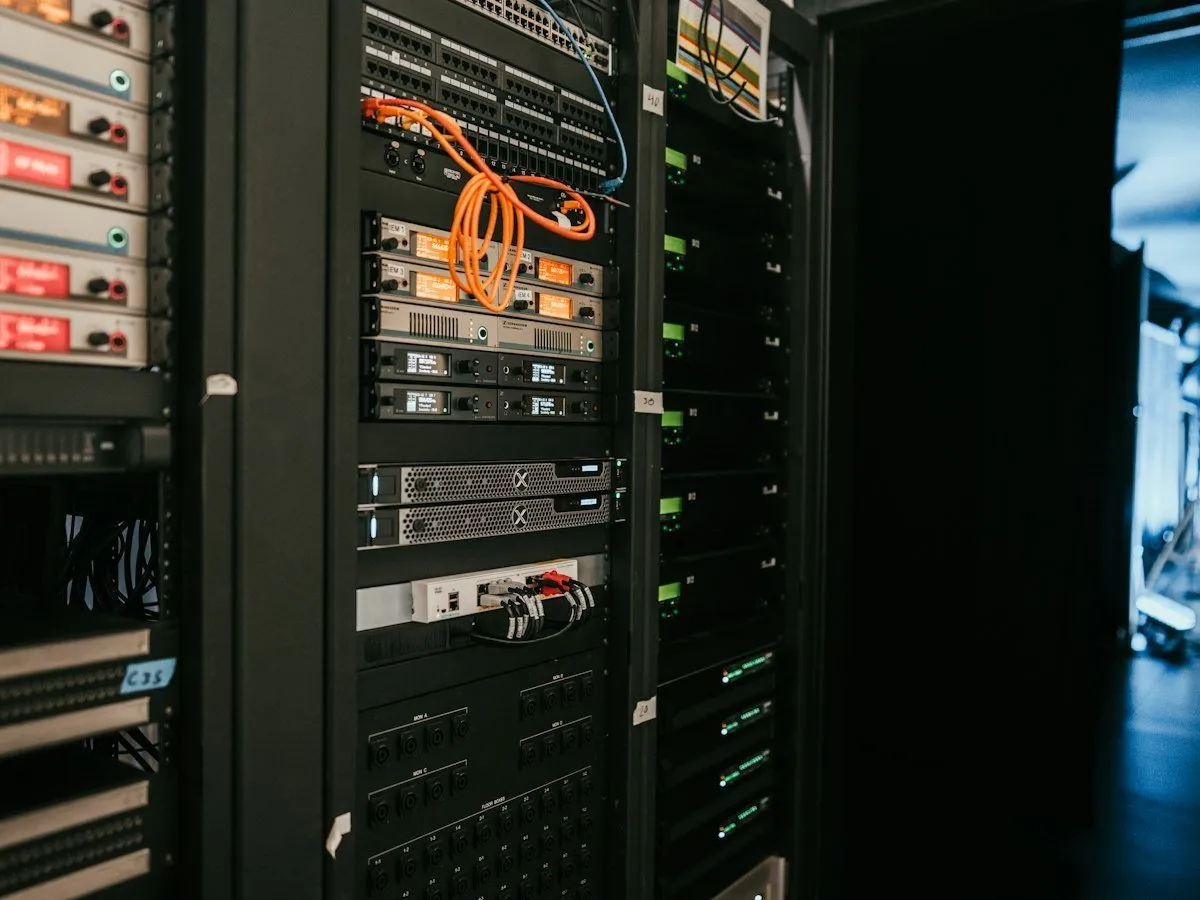
Many offices, hotels and plants have working analog phones, fax lines and wiring. A gateway lets them join your IP PBX without new handsets or new cables.
How calls flow
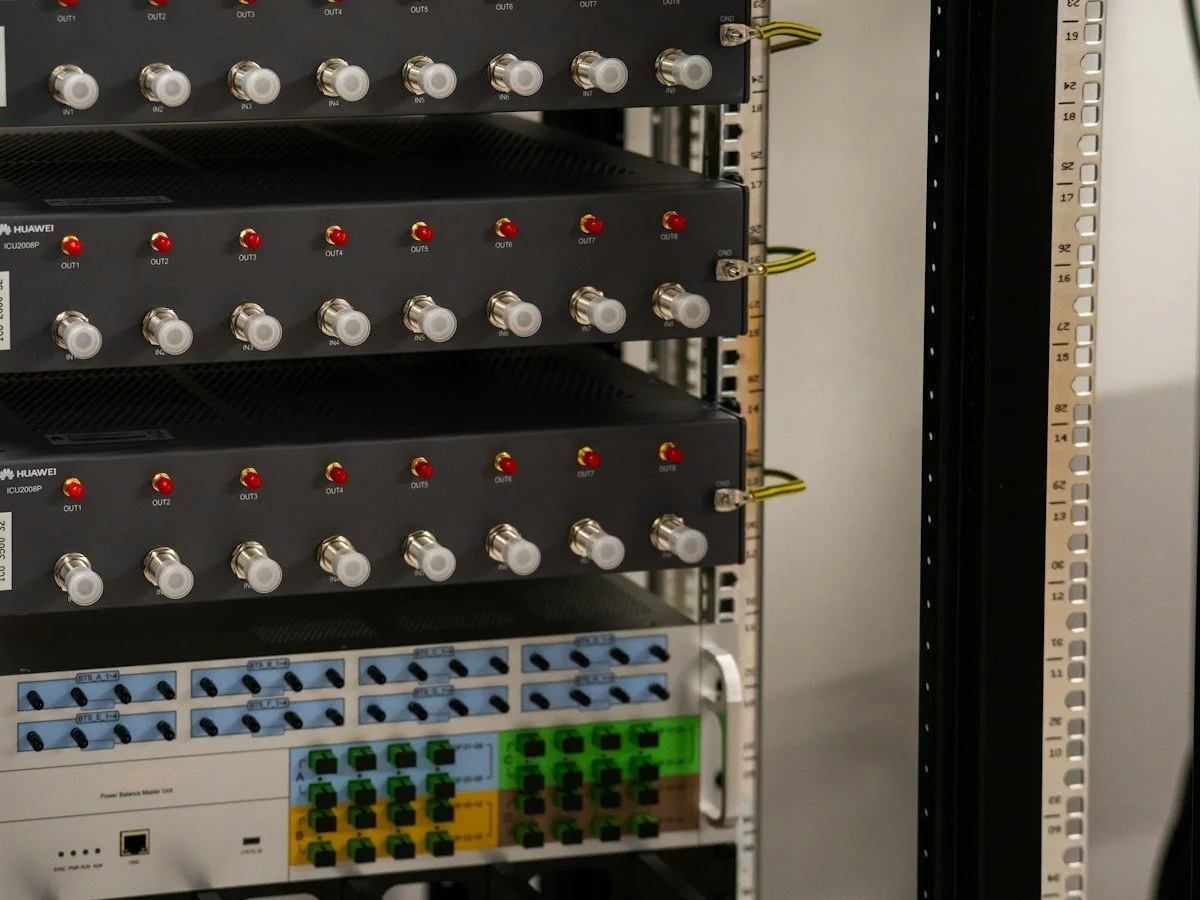
The gateway gives dial tone and ring power to each analog port, turns the call into SIP, and sends it to your IP PBX or SIP server over the LAN.
Use cases
FXS Gateway Use Cases in Indore: Offices, Hotels, Lifts, Factories
Where we most often install an FXS gateway across MP and CG.
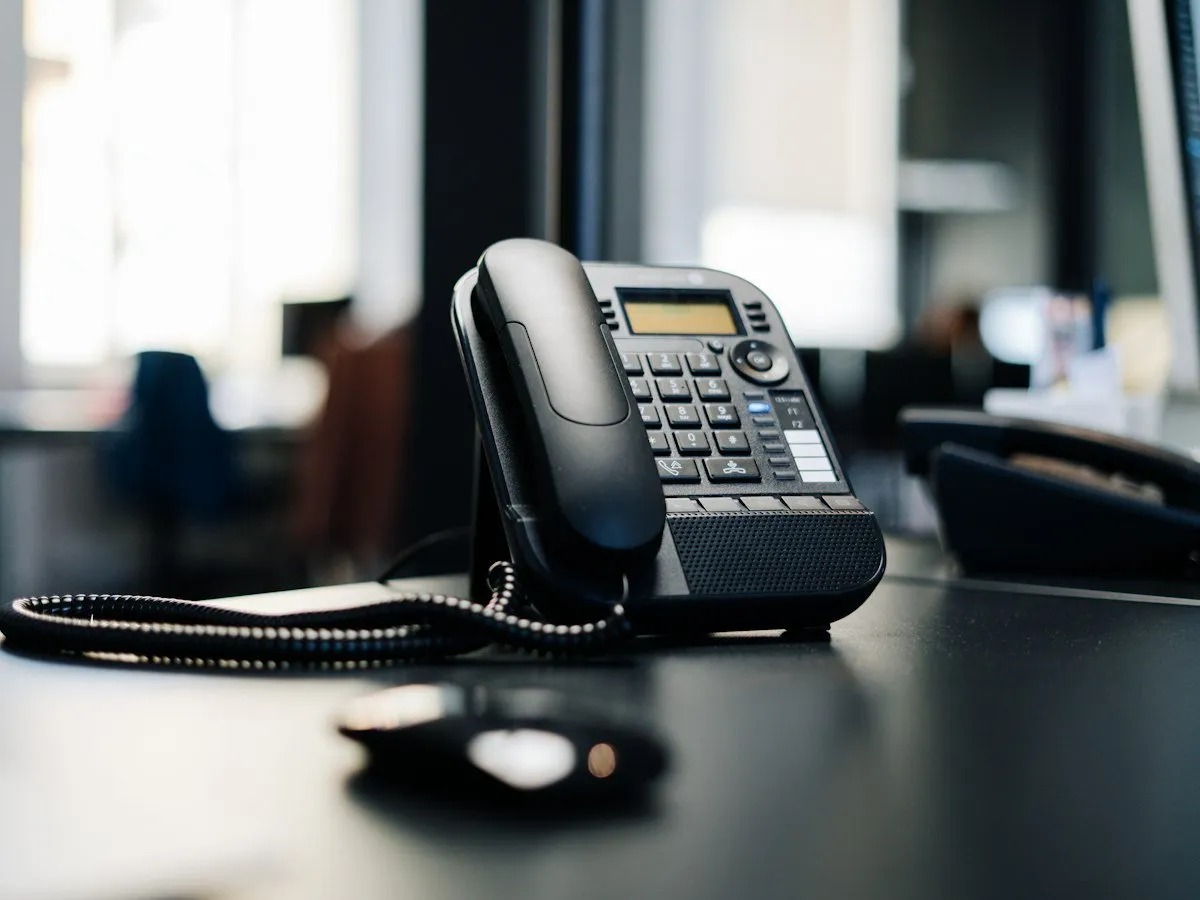
Keep analog phones on an IP PBX
Your staff keep the desk phones they know, and each one gets an extension on the new IP PBX.
Fax over IP
Keep your fax machine and send faxes over the IP network using T.38 fax support.
Legacy EPABX extensions to VoIP
Move extensions from an old EPABX to VoIP in stages, without rewiring every desk.
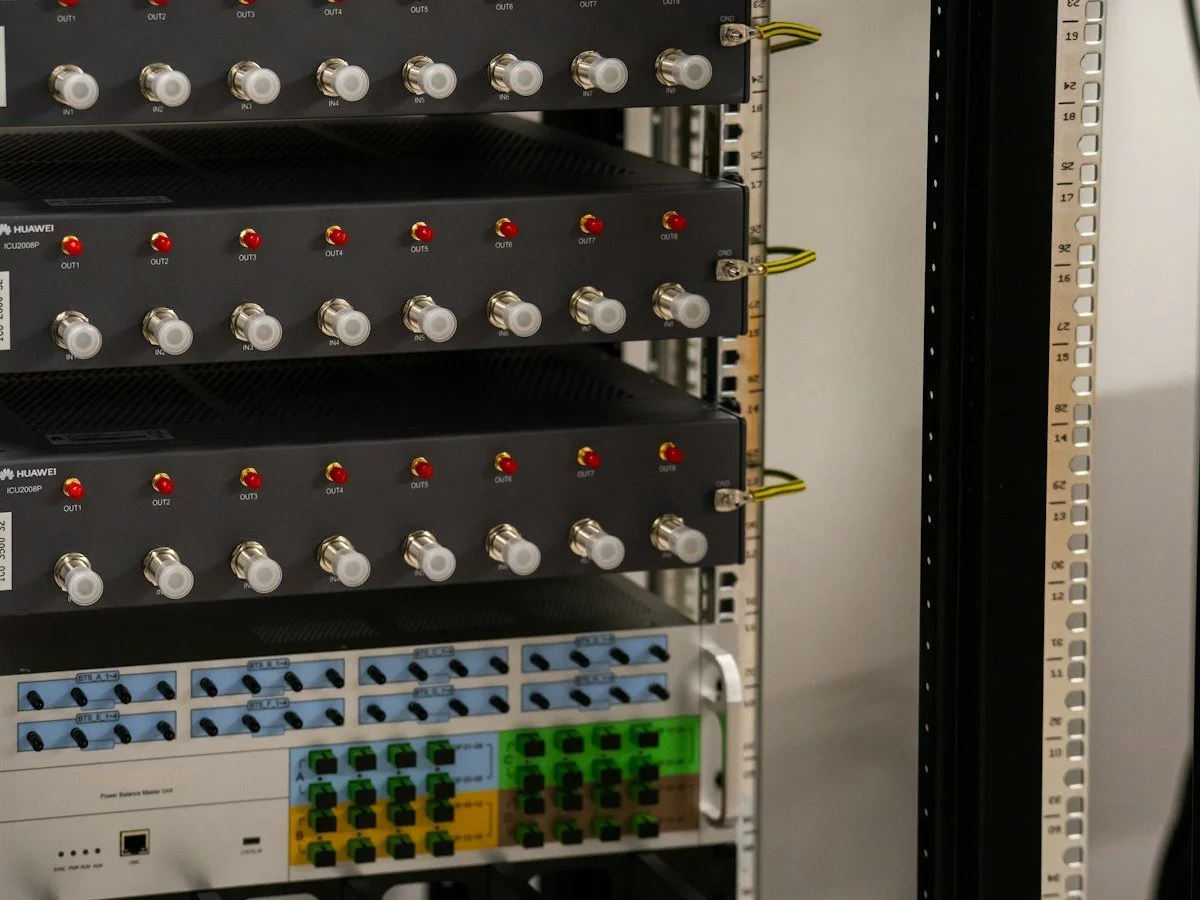
Lift, intercom and alarm lines
Connect lift phones, door intercoms and alarm dialers to SIP so they keep working.
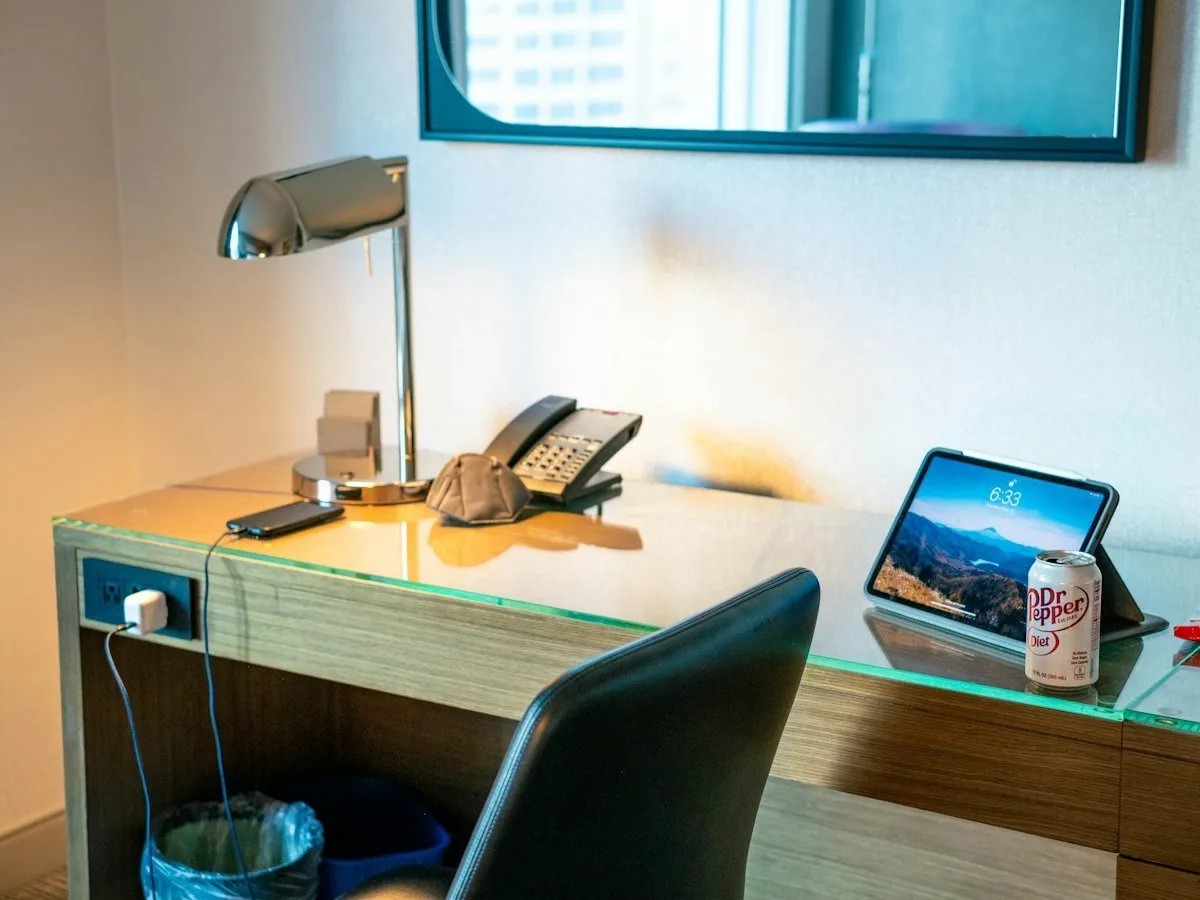
Hotel room phones
Run room phones on an IP PBX through high-port gateways, with no new wiring in each room.
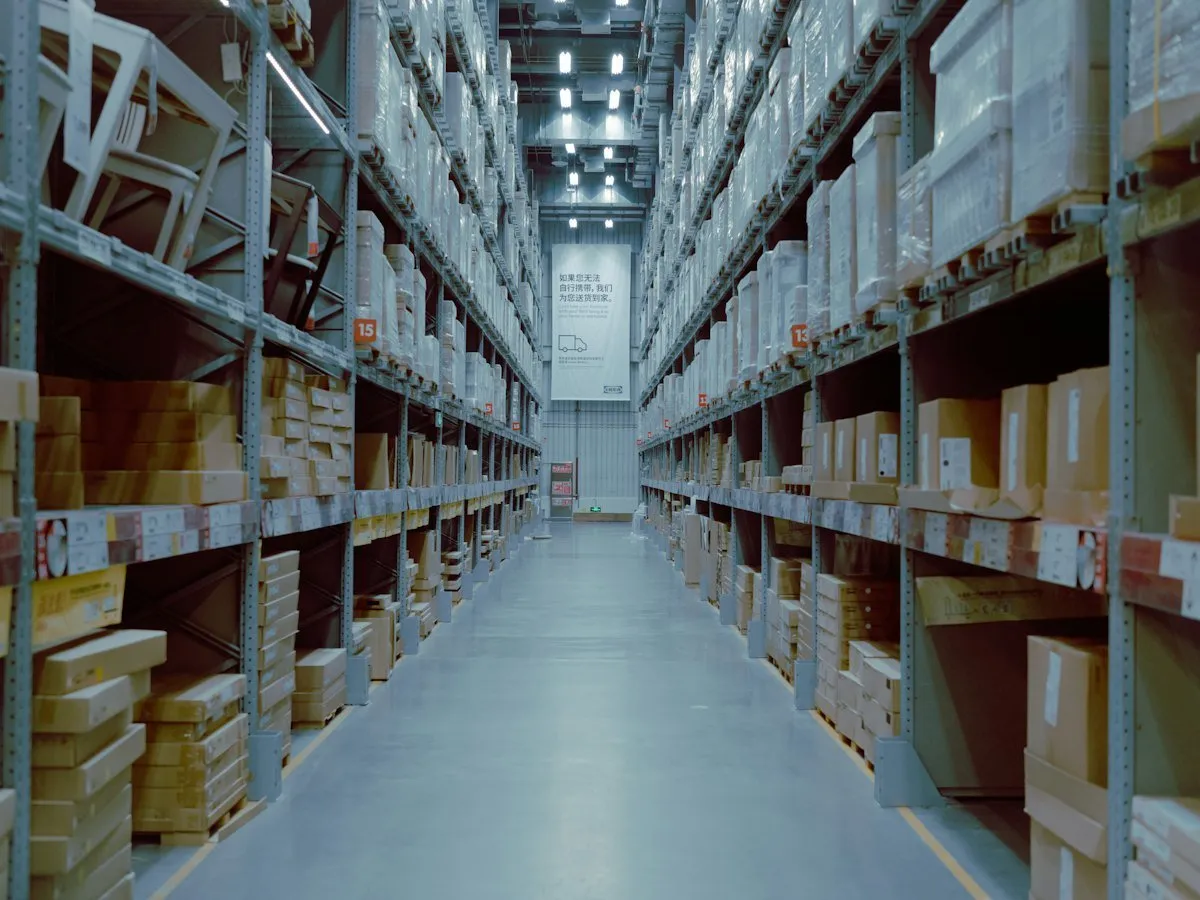
Factories and warehouses
Keep rugged analog phones on the shop floor and link them to your office IP PBX.
Port count
How to Choose an FXS Gateway Port Count: 4, 8, 16, 24, 32 or 48
Count every analog phone, fax, lift and alarm line, then add around 20 percent for growth.
4 ports
A small office, clinic or shop with a few analog phones and one fax.
8 ports
A mid-size office or branch with a mix of phones, fax and a door phone.
16 ports
A larger office floor, a school wing or a small plant.
24 ports
A hospital ward, a hotel floor or a large office moving off an old EPABX.
32 ports
A medium hotel or campus building with many room or desk phones.
48 ports
A big hotel, hospital or factory block, usually with spare ports for growth.
Key features
FXS Gateway Features: SIP, Codecs, T.38 Fax and Caller ID
Features we check on every analog to IP converter before we recommend it.
SIP support
Registers each port as a SIP extension on your IP PBX or SIP server.
Voice codecs
Common codecs such as G.711 and G.729 for clear calls and sensible bandwidth.
T.38 fax
T.38 support helps faxes pass reliably over IP instead of failing on a bad line.
Caller ID
Shows the caller number on analog phones that support caller ID.
Echo cancellation
Built-in echo control keeps voice clear on busy and long calls.
Power and backup
Choose PoE or mains power as per the model, and add UPS backup so lines stay up in a power cut.
FXS gateway types
FXS Gateway Options: 4, 8, 24 and 48 Port Analog to IP Converters
Tell us your analog lines. We recommend the right gateway and share a quote on enquiry.
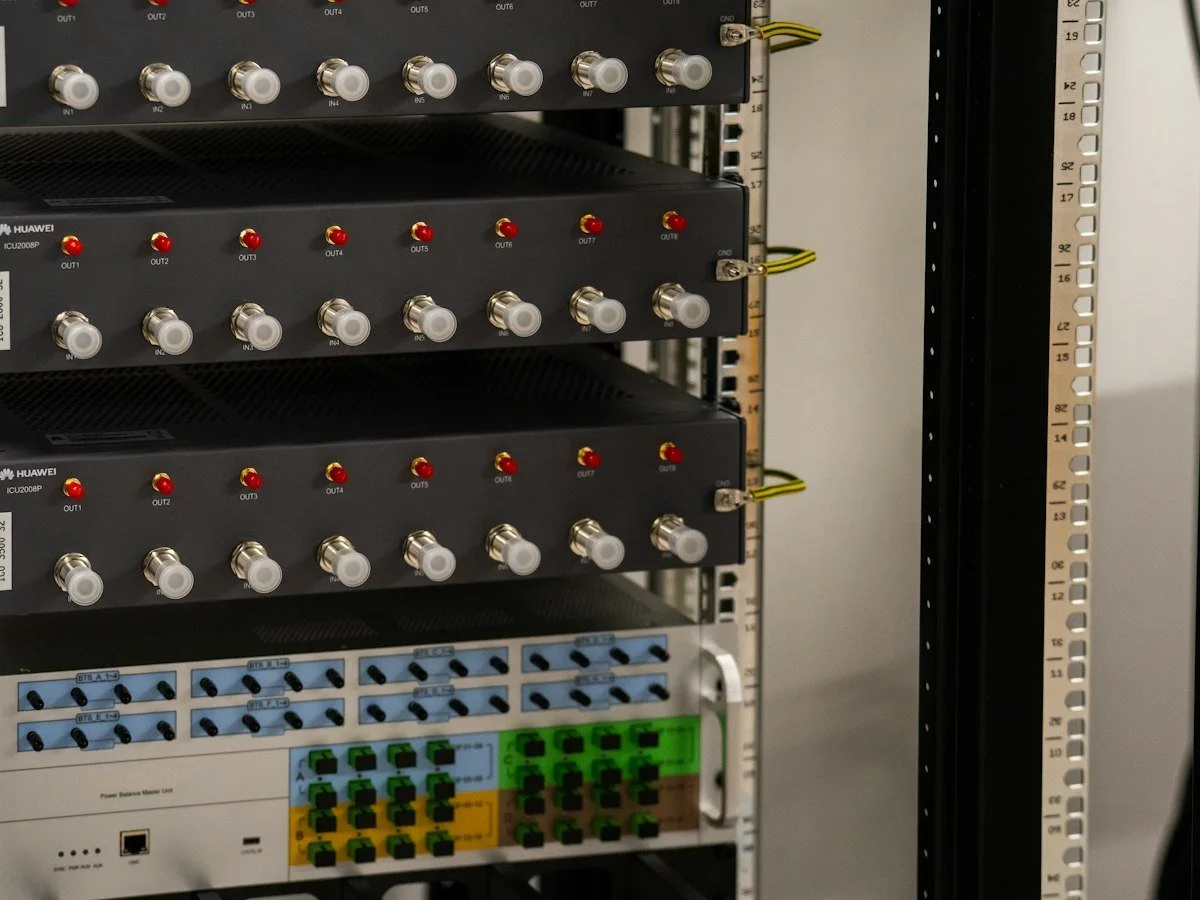
4-port FXS gateway
For a small office or shop with a few analog phones and a fax.
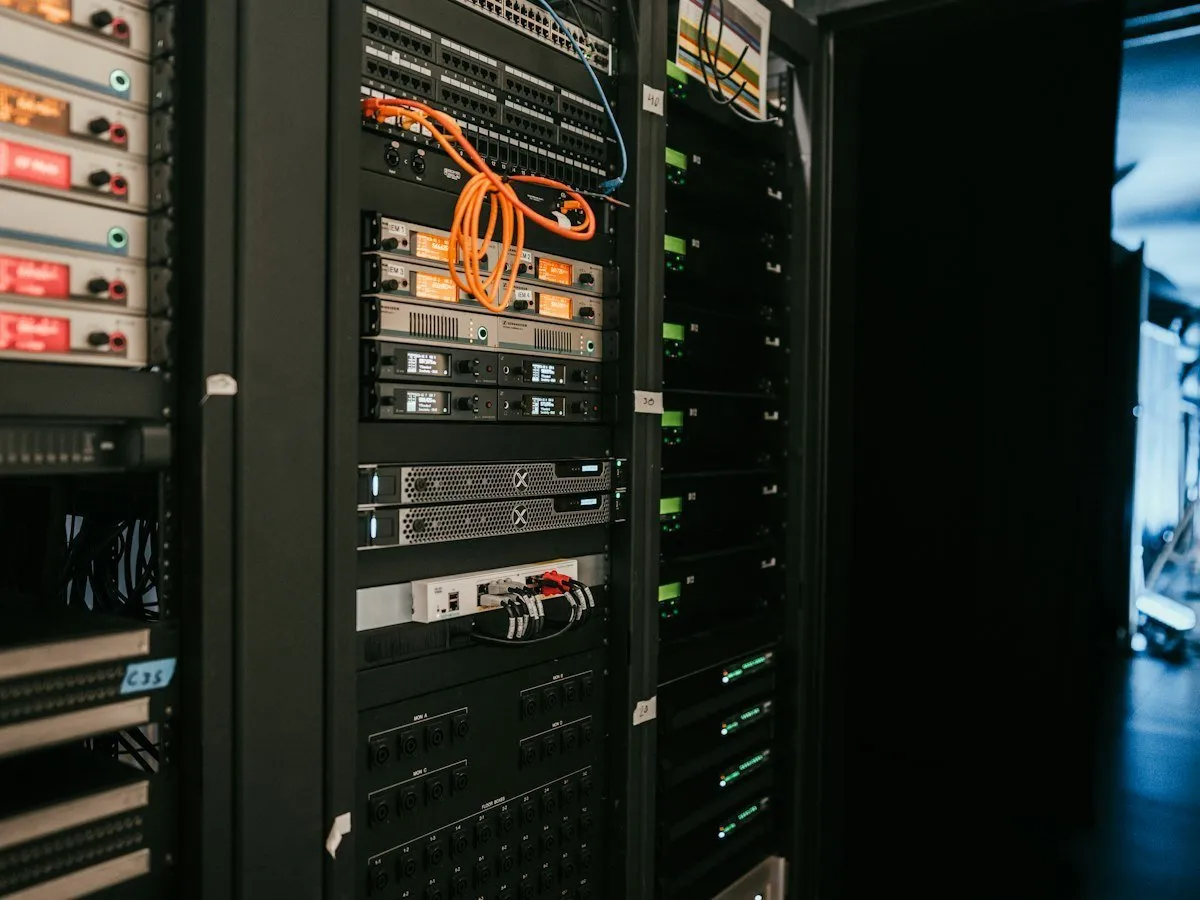
8-port FXS gateway
For a mid-size office or branch with phones, fax and a door phone.
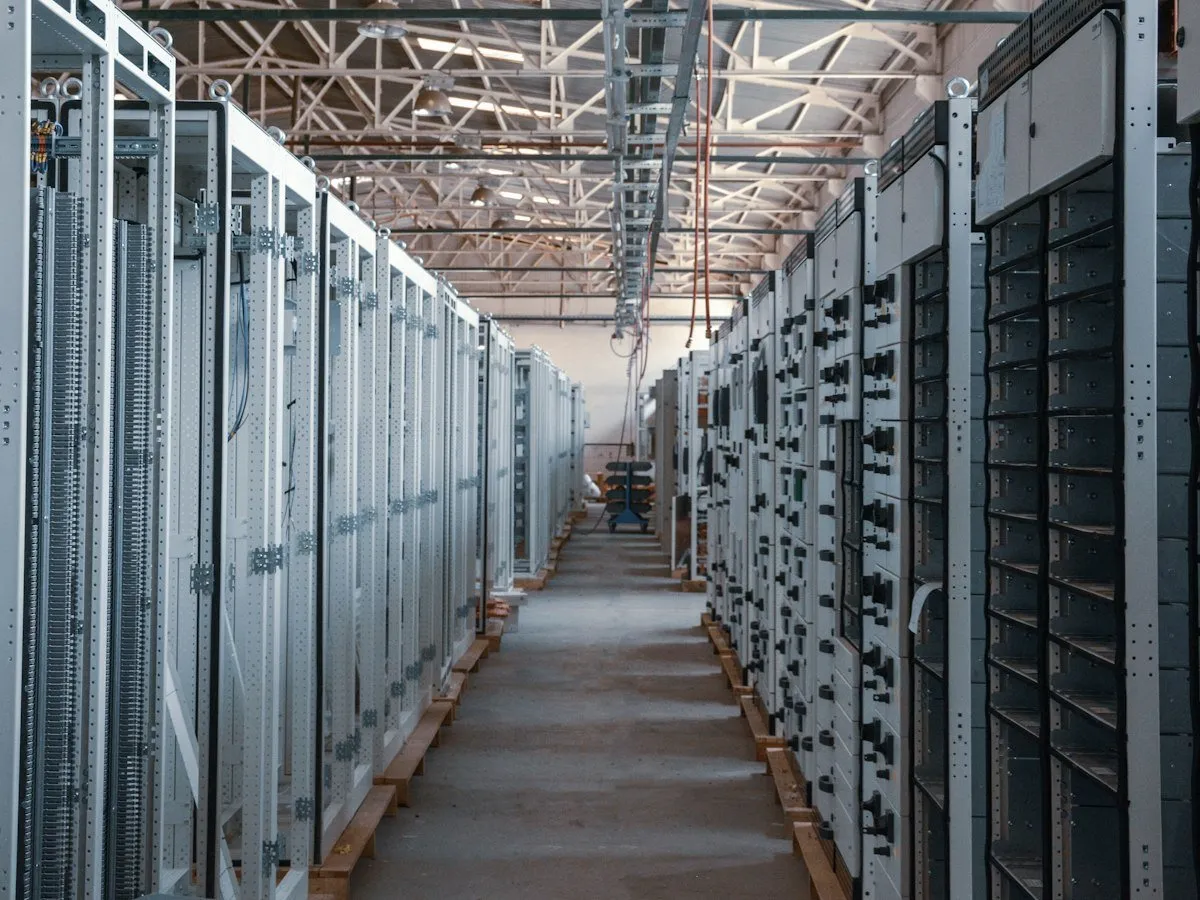
24-port FXS gateway
For a hotel floor, hospital ward or large office moving off an old EPABX.
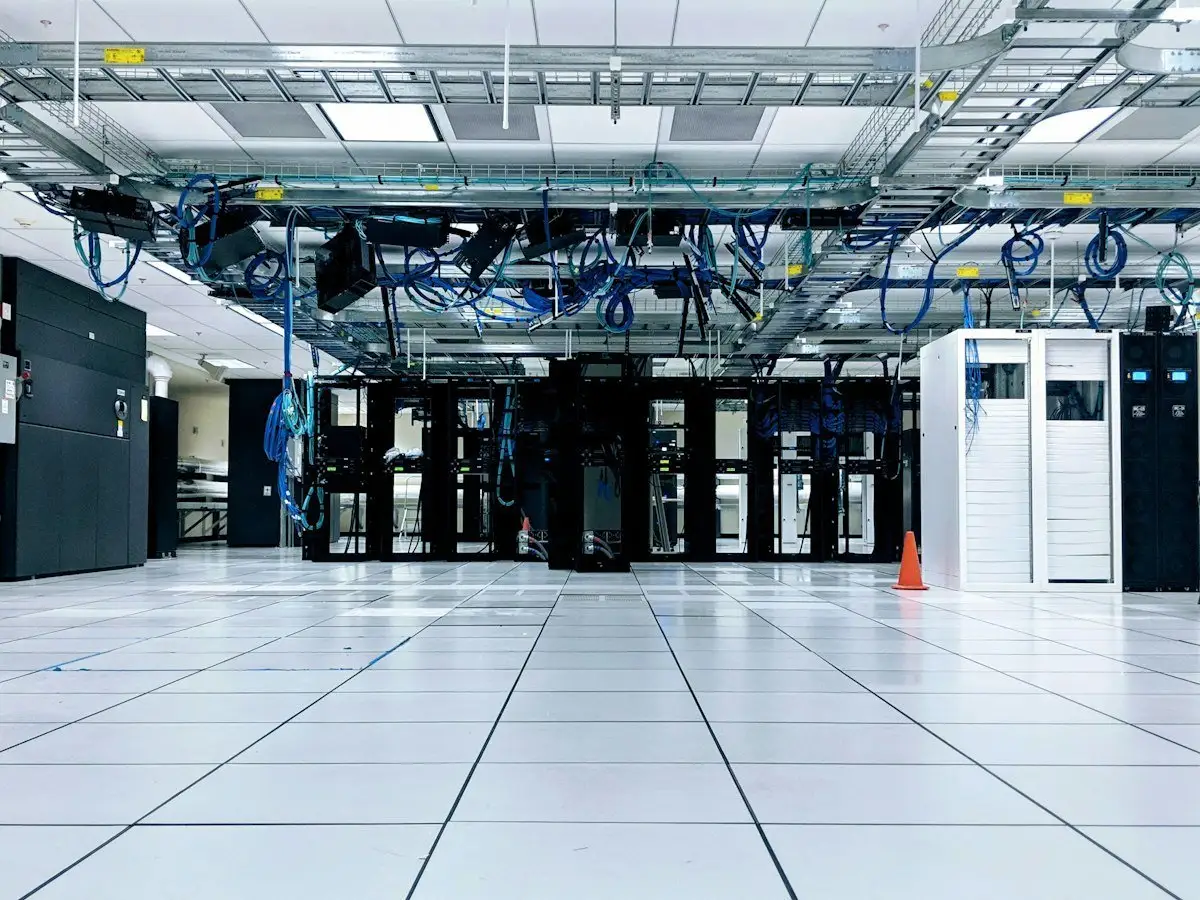
48-port FXS gateway
For a big hotel, hospital or factory block with many analog lines.
Avoid these
Common FXS Gateway and Analog to IP Mistakes We Fix
Four setup errors behind most dead ports, failed faxes and choppy calls.
Too few ports
No spare ports means a new gateway when you add one phone. Plan for growth.
Fax without T.38
Faxes fail or garble over IP without proper fax settings. We set and test T.38.
No network plan
Voice needs a clean LAN. Poor switches or no VLAN cause choppy calls.
No power backup
Lift and alarm lines must work in a power cut. Add UPS backup for the gateway and switch.
Our process
How We Deploy an FXS Gateway in 6 Steps
From site survey to handover, ending with testing and AMC.
1. Site survey
We list every analog phone, fax, lift and alarm line and check the cabling.
2. Port plan
We map each line to a port and extension and add spare ports.
3. Cabling
We patch analog lines to the gateway and set up a clean LAN link.
4. Configuration
We set SIP, codecs, T.38 fax, caller ID and dial plan.
5. Testing
We test inbound, outbound, fax, caller ID and call quality on every port.
6. Handover and AMC
We hand over settings and documents, and offer AMC support.
Brands
FXS Gateway Brands We Supply in Indore and Across India
We help you choose the right brand for your phones, budget and IP PBX.
Clixxo dealer · Clixxo certificate holder
We supply Clixxo products across India.
Other brands on request
We can also help you choose another FXS gateway brand that suits your IP PBX.
Related services
Related Services Often Added with an FXS Gateway
Services that go well with an analog to IP converter.
The phone system your FXS gateway connects to.
Connect a PRI line to your IP PBX.
Clean Cat6 and fiber to your rack.
Scheduled care and fast response.
A check of your network and phones.
Desk phones for your IP PBX.
After deployment
FXS Gateway AMC in Indore: Keep Your Phone Lines Working
ISO 9001:2015 certified and MSME registered, we look after your FXS gateway after go-live. Our AMC covers scheduled health checks, config backup, fault support and spares.
Scheduled health checks
Config backup and restore
Fault diagnosis and support
Spares and repair support
FAQ
FXS Gateway and Analog to IP Converter: Frequently Asked Questions
Straight answers before you decide.
An FXS gateway has analog phone ports. It connects analog phones, fax machines and EPABX extensions to a SIP or IP network, so they work with an IP PBX. We supply and install FXS gateways in Indore.
Yes. Plug each analog phone into a port on the FXS gateway. The port registers as a SIP extension on your IP PBX, so you do not need new handsets.
Count every analog phone, fax, lift and alarm line, then add about 20 percent for growth. Gateways come in 4, 8, 16, 24, 32 and 48 ports.
Yes, with T.38 fax support and correct settings. We test fax sending and receiving on each port before handover, because poor settings are the main cause of failed faxes.
FXS ports connect to analog phones and give them dial tone and ring power. FXO ports connect to a phone line or an old PBX extension. An FXS gateway is what you need for analog phones.
Yes. Lift phones, door intercoms and alarm dialers can connect to FXS ports and call over SIP. We add UPS backup so they keep working in a power cut.
Yes. A 24, 32 or 48-port gateway can serve many rooms using the existing room wiring, so you avoid new cables in every room.
It works with common SIP-based IP PBX systems. We check your PBX, set up SIP and codecs, and test call quality before go-live.
Free consultation
Plan Your FXS Gateway Project in Indore
Tell us your analog phones, fax and lift lines. We call back with a clear plan, anywhere in MP and CG.
Ask for a quote. We call back with a clear plan
Free site survey across Indore, Madhya Pradesh and Chhattisgarh.